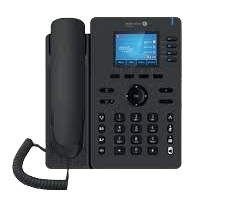


Try RingCentral free for 30 days
Try it free for 30 days.
See whether RingCentral is right for your business. Start your free RingCentral trial and cancel at any time before the end of the 30-day trial period.
- Cancel any time during the 30 days
- Minimum two connections
- Friendly local support
Continue with RingCentral after the trial and receive a professionally produced on-hold advertisement that showcases your business while your customers are on hold.
Call 1300 643 720Claim your free trial
Leave your details and we’ll call you to arrange your 30-day free trial. A minimum of two connections applies.
*Offer provided by Action-Priority. Terms and Conditions apply*
RingCentral cloud communications, supplied and supported by Action-Priority
RingCentral is a cloud-based communications platform that helps businesses manage phone calls, messaging, meetings and customer communications from the office, at home or on the road.
Why businesses choose RingCentral
- ✓ Business phone system with cloud calling and mobile app access.
- ✓ Calls, messages, video meetings and team communication in one platform.
- ✓ Auto attendants, call queues, voicemail and smart call handling options.
- ✓ No traditional single-line limitation for incoming calls to your business.
- ✓ Flexible setup for office staff, remote workers and multi-site businesses.
- ✓ Compatible desk phones from leading business handset brands.
Modern business calling without the old phone-system limits
RingCentral gives your business a professional phone experience with the flexibility of cloud technology. It can help improve how customers reach your business and how your team handles calls.
Professional call handling
Create business call flows with greetings, menu options, ring groups, call queues, voicemail and after-hours routing.
Work from anywhere
Use compatible desk phones in the office and the RingCentral app for staff who work remotely or need mobility.
Scalable for growth
Add users, phones, sites and call-flow changes as your business grows, without needing a traditional onsite phone system.
Messages and meetings
Bring business calling, messaging and meetings together so staff can communicate with customers and team members more easily.
Cloud-based flexibility
Cloud communications can reduce dependence on old onsite phone equipment and make future changes easier to manage.
Local setup support
Action-Priority can assist with planning, handset supply, setup guidance, number porting support and call-flow changes.
A better customer experience for incoming calls
The right RingCentral setup can help callers reach the correct person or department, reduce missed calls, improve after-hours handling and give your business a more professional phone presence.
- ✓ Welcome greetings and menu options
- ✓ Call queues and ring groups
- ✓ Voicemail and missed-call handling
- ✓ Business-hours and after-hours routing
- ✓ Desk phones and mobile app options
- ✓ Multi-site and remote-worker support
Handsets that can be used with RingCentral
RingCentral supports a range of business desk phones. Compatibility can depend on the exact model, firmware, region and account setup, so Action-Priority can help confirm the right handset before ordering.
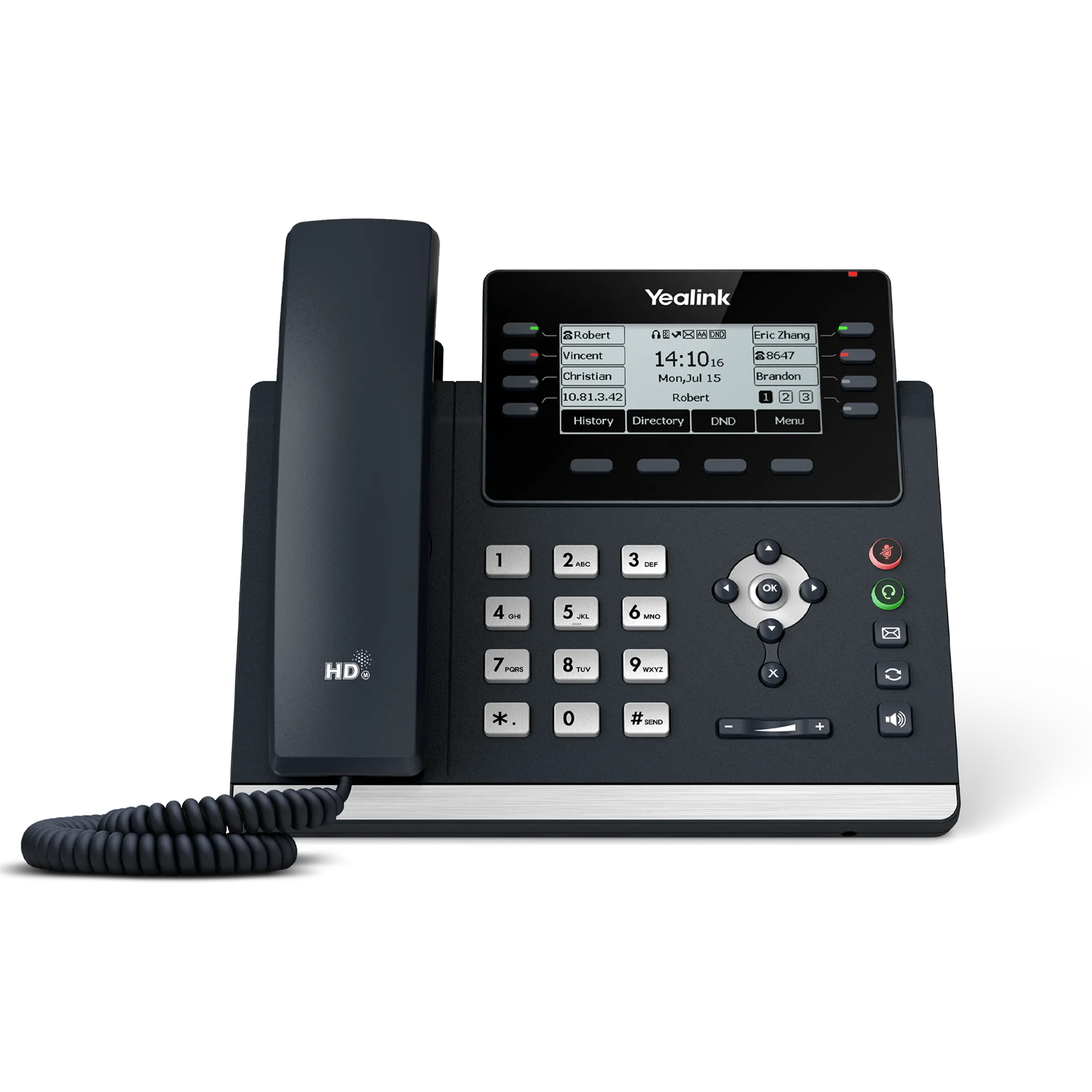
Yealink T43U
Reliable everyday office handset for standard business users.
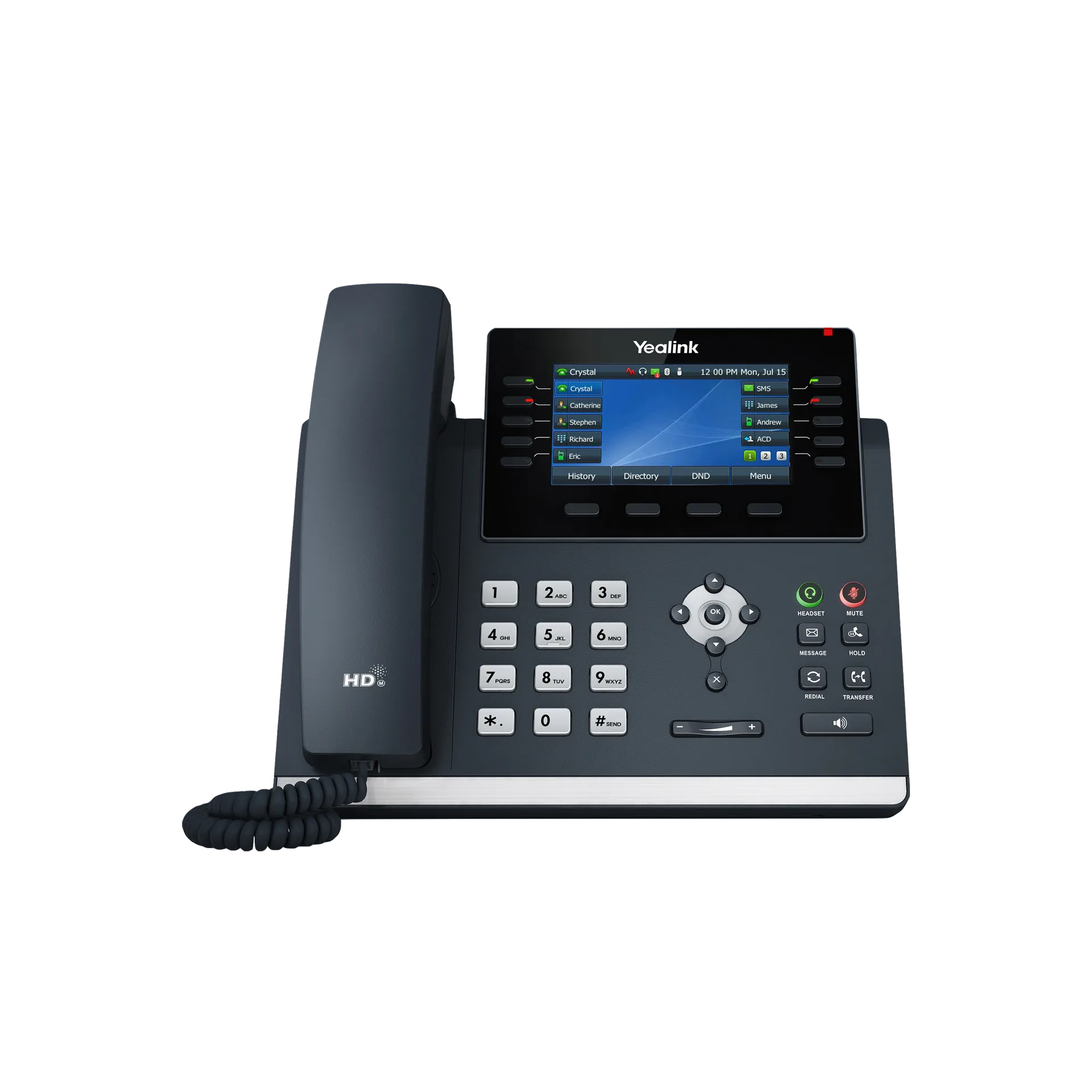
Yealink T46U
Colour-screen desk phone suitable for reception, office and team environments.
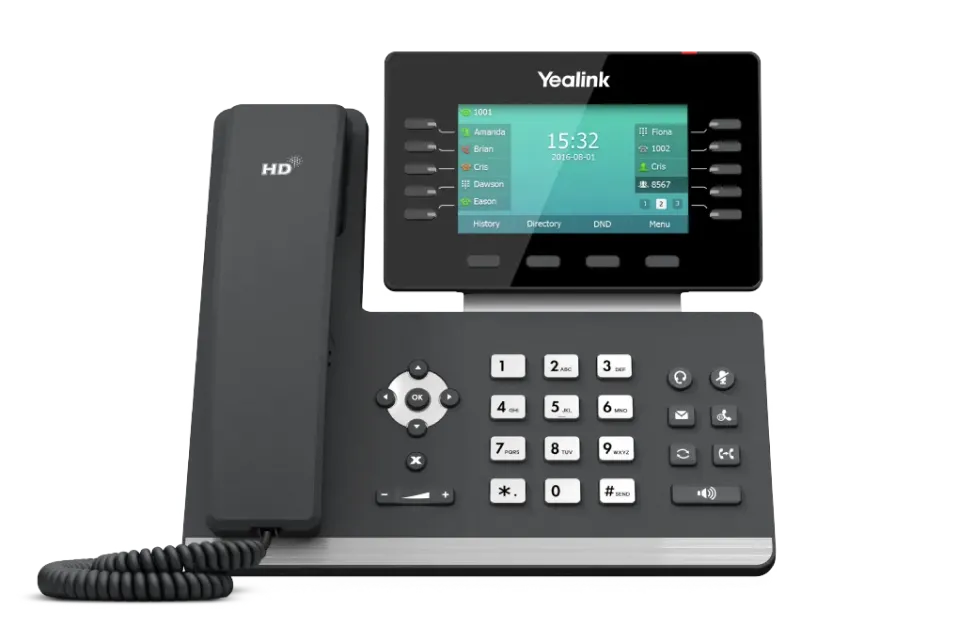
Yealink T54W
Wireless-capable business desk phone option for modern office setups.
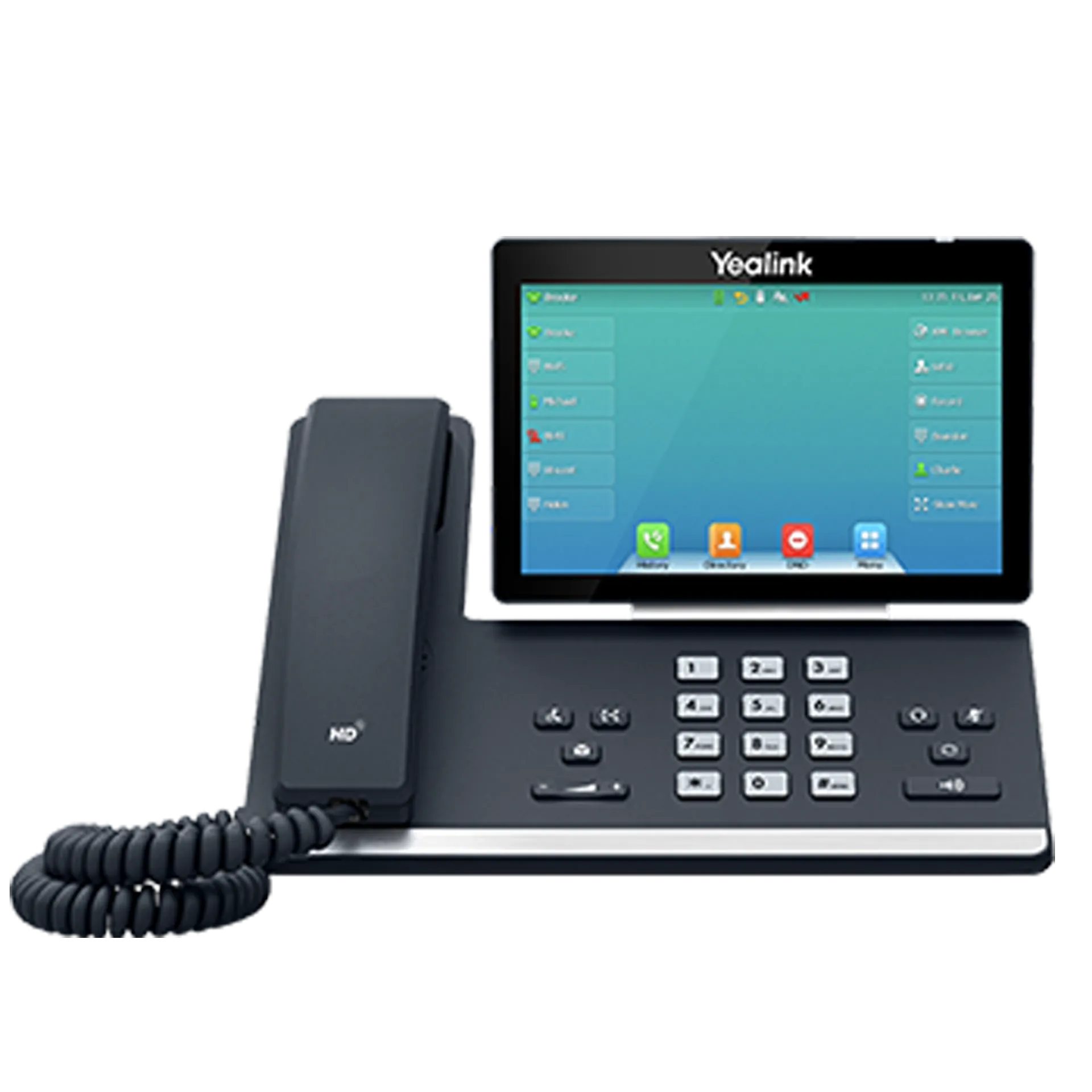
Yealink T57W
Premium touchscreen handset for users who need more advanced desk-phone features.
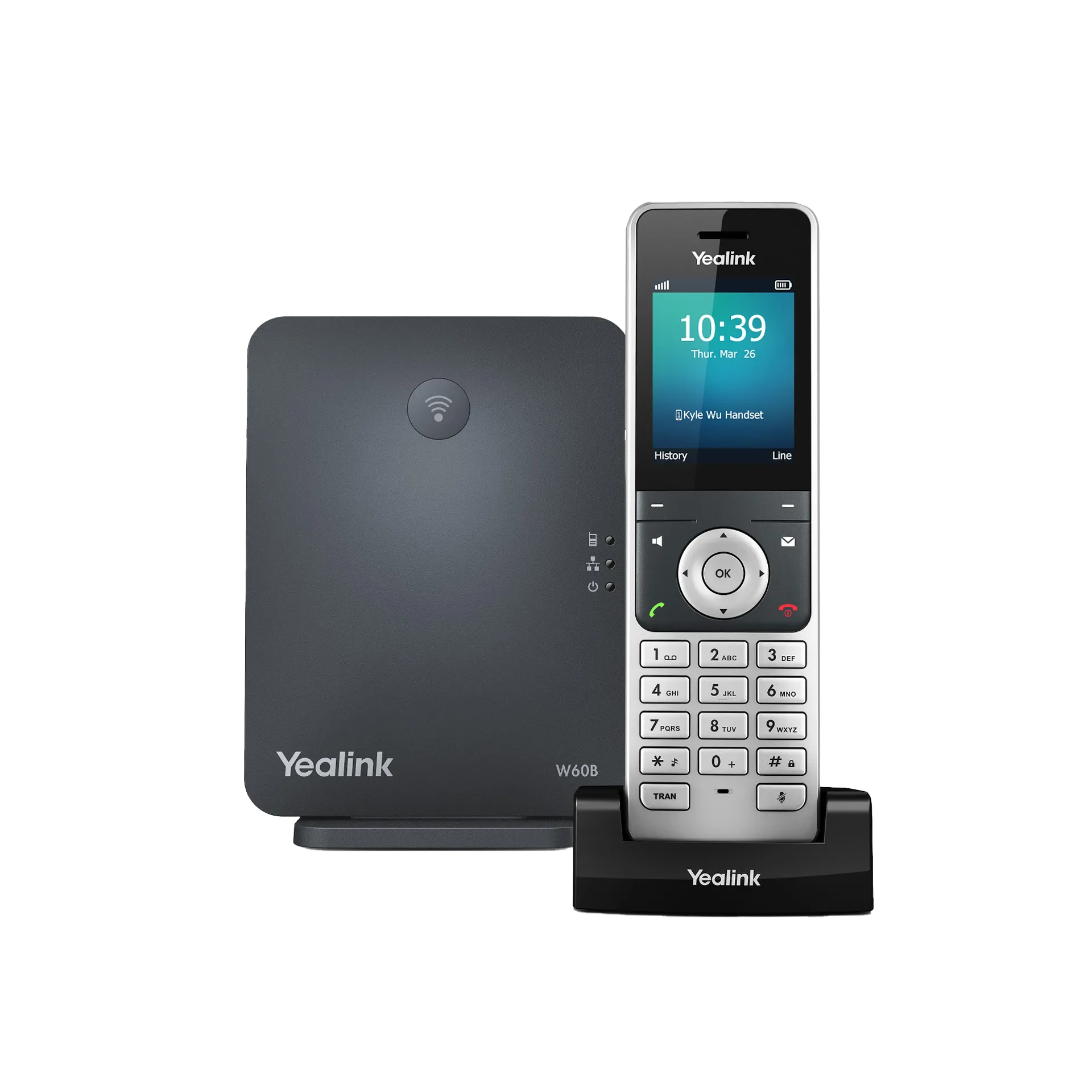
Yealink W60P / W76P
Cordless phone options for staff who need to move around the workplace.
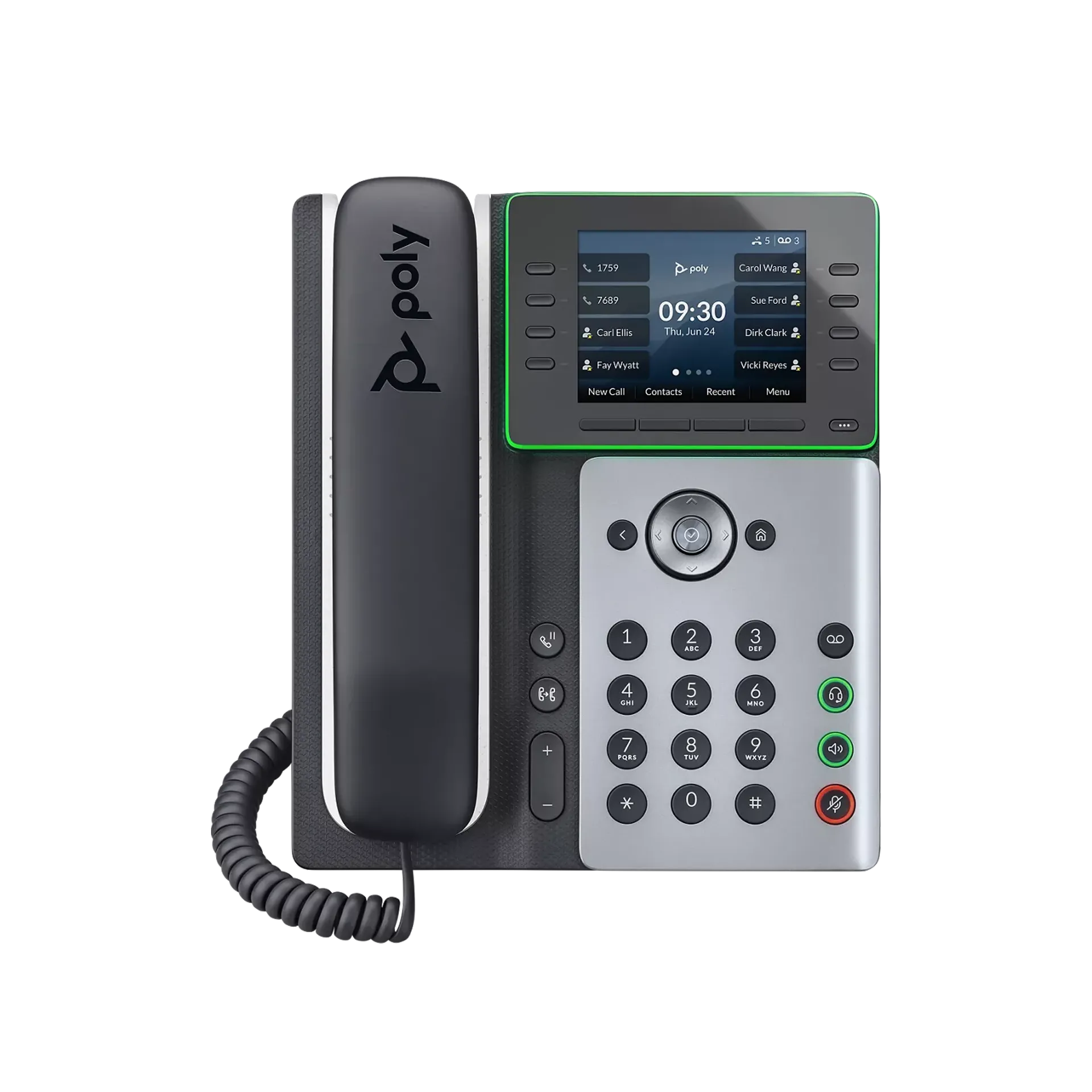
Poly Edge E300 / E350
Modern Poly desk phone range for business calling.
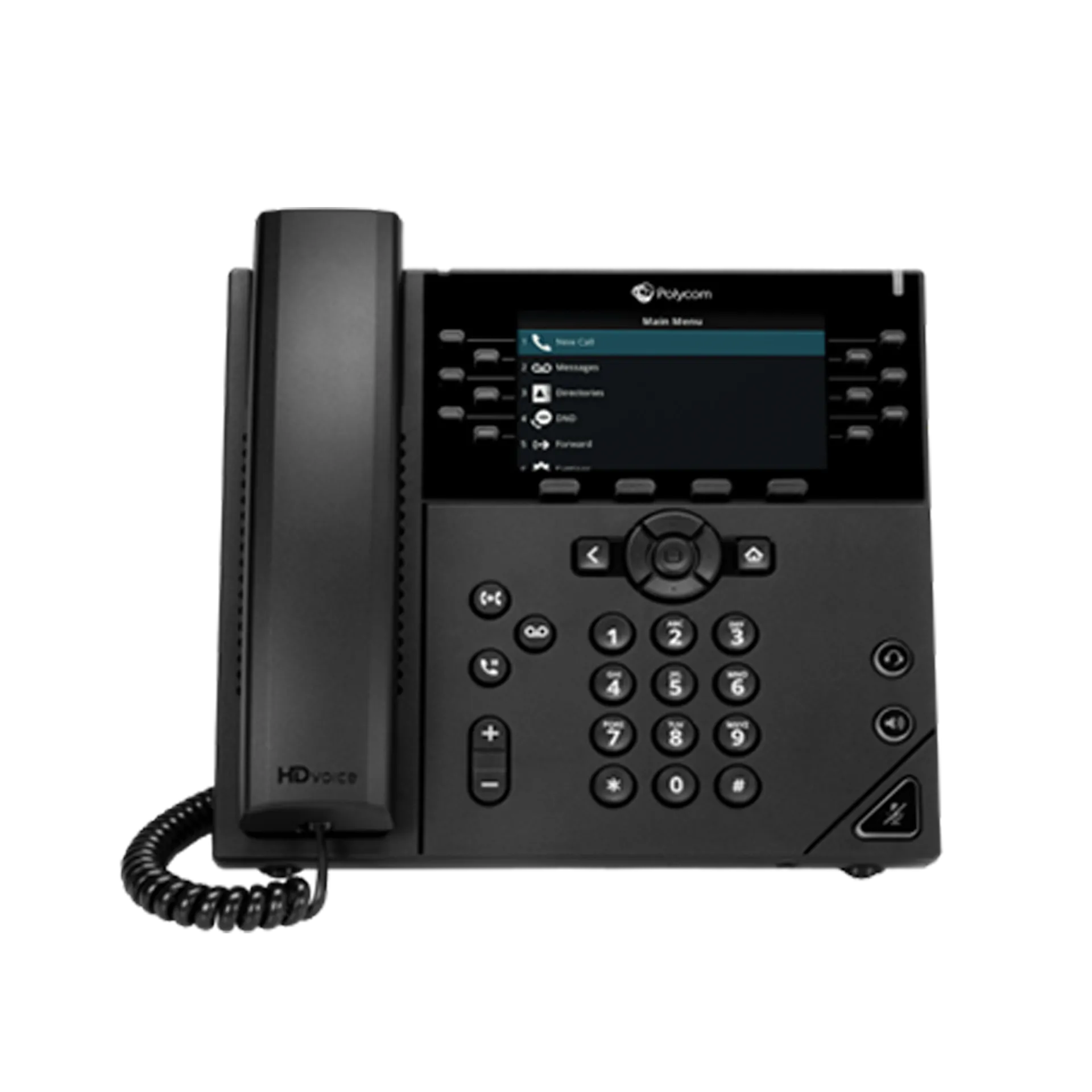
Poly VVX 450
Popular multi-line business handset with a professional desk-phone layout.
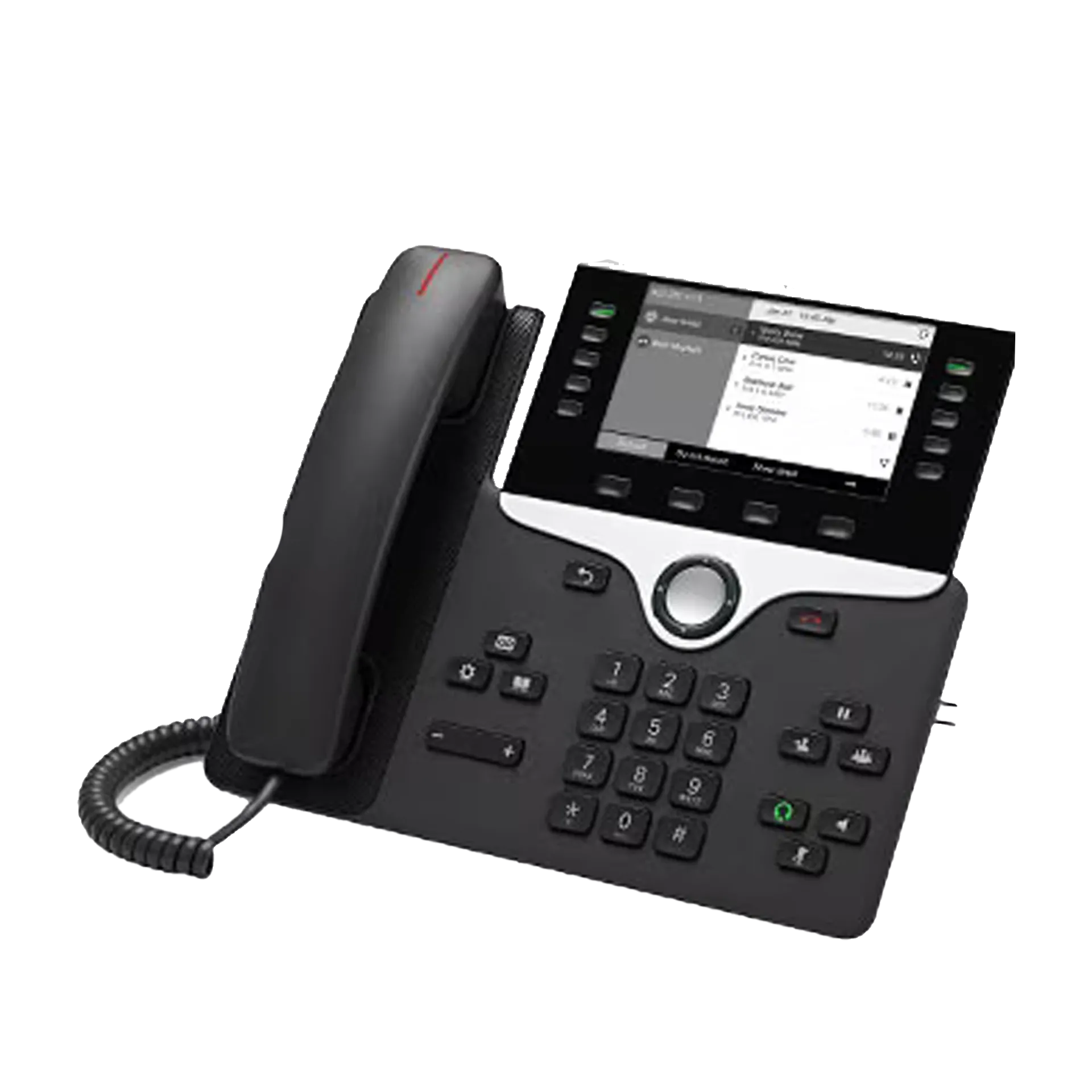
Cisco 8811 / 8841 / 8851
Cisco business IP phone options for compatible RingCentral deployments.
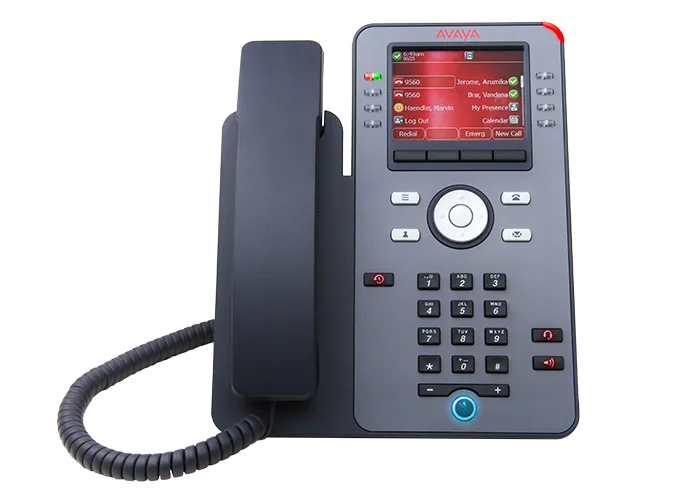
Avaya J179
Avaya J-Series handset option listed by RingCentral as supported for RingCentral use.

ROI Calculator
Select Services Required:
UNIFIED COMMUNICATION SOLUTIONS FOR BUSINESS
At Action-Priority, we provide expert telecommunication solutions that keep your team connected, productive, and efficient. Whether you need a cloud-based phone system, an on-premise PBX, or enterprise-grade communication tools, our team designs, installs, and supports tailored solutions for businesses across Melbourne and Victoria.
Please call 1300 643 720 or email us at enquiries@action-priority.com.au to discuss Avaya Cloud Office pricing.
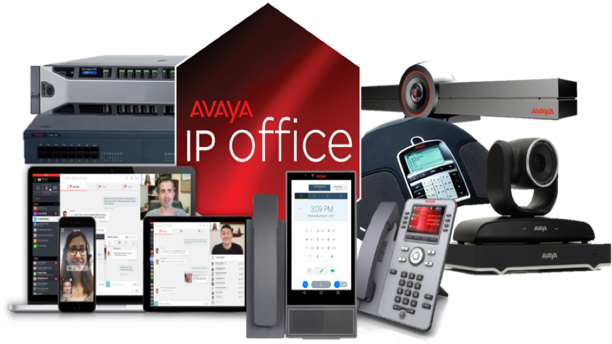
AVAYA IP OFFICE

Avaya IP Office is a robust and flexible unified communications solution designed for small and medium-sized businesses (SMBs). There are several reasons why a business might choose Avaya IP Office:
- Unified Communications: Avaya IP Office brings together voice, messaging, video, and conferencing in one solution, making it easier to manage and use.
- Scalability: As your business grows, so can your communications system. Avaya IP Office supports from 5 to 3,000 users, across a single site or up to 150 locations.
- Mobile Integration: With Avaya IP Office, you can use your office number and capabilities wherever you go on your mobile device. This ensures consistent communication and presence even when your team is out of office.
- Reliability: Avaya has a strong reputation for building reliable, high-quality communication hardware and software. It has a long history in the telecom industry, which often gives businesses confidence in its products.
- Cost-effective: Compared to other similar offerings, Avaya IP Office can provide a more cost-effective solution for unified communications and collaboration.
- Support for Remote Work: In an era where remote work has become more common, Avaya IP Office supports remote workers, enabling them to stay connected and productive regardless of their physical location.
- Integration with Other Software: Avaya IP Office integrates well with many commonly used business software, like CRM systems, which can boost productivity and ease of use.
- Customizability: The system is customizable to fit the specific needs of a business. It's also compatible with a wide range of Avaya desk phones, conference phones, and wireless accessories.
- Security: Avaya has strong security measures in place, including end-to-end encryption, to help protect your business's communications.
- Customer Support: Avaya offers comprehensive support options, including phone support, an extensive online knowledge base, and professional services for implementation and training.

FEATURES OF AVAYA IP OFFICE
Avaya IP Office offers a comprehensive suite of features that cater to a variety of business communication needs. These features include:
- Unified Communications: Avaya IP Office allows users to check their voicemail, email, and fax messages from one inbox. It also integrates voice, video, and web conferencing features.
- Mobility: Users can seamlessly move from their office phone to their mobile device without disrupting ongoing calls. They can also use their mobile device to access the same communications features they have on their desktop.
- Multi-channel Contact Center: This feature allows businesses to manage customer interactions through multiple channels including voice, email, and chat.
- Video Conferencing: Avaya IP Office includes a video conferencing feature that allows for face-to-face communication, regardless of location.
- Call Handling and Routing: The system can intelligently route calls based on a variety of criteria, ensuring that customers reach the right people and departments quickly.
- Interactive Voice Response (IVR): IVR automates routine tasks, like routing calls and providing pre-recorded responses to common questions, improving efficiency and freeing up human resources.
- Integration: Avaya IP Office integrates with a wide variety of business applications including CRM systems, Microsoft Outlook, and Google Apps, allowing for increased productivity and streamlined operations.
- Security: The system includes built-in security measures such as network-based session border controller functionality, encryption, and intrusion detection to help protect your business's communications.
- Teleworking: Avaya IP Office supports teleworking, enabling remote employees to stay connected and productive.
- Scalability: Avaya IP Office can support anywhere from 5 to 3,000 users, making it a scalable solution that can grow with your business.
- Call Recording: Calls can be recorded for training and compliance purposes.
- Hot Desking: Users can log in to any phone on the network, turning it into their own phone with their personal settings and speed dials. This is particularly useful in flexible workplaces and for shift workers.
At Action-Priority, we provide Avaya IP Office solutions that are tailored to your business’s needs. We are passionate about helping companies make the most of their telecommunications and provide free analyses of their current telecommunications assessment. Our team of experts will then work with you to come up with a customised solution that will help you save time and money.
Our goal is to help you stay connected and be efficient in your operations. With our Avaya IP Office solutions, you can be sure that your business is always up to date with the latest telecommunications technology. Get in touch with us today to explore the possibilities.
Please call 1300 643 720 or email us at enquiries@action-priority.com.au to discuss our Avaya IP Cloud solutions.

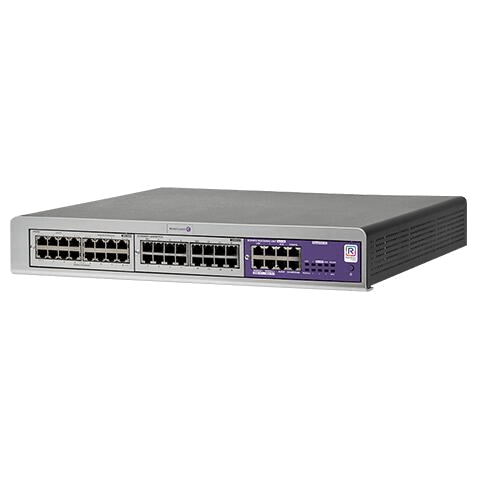
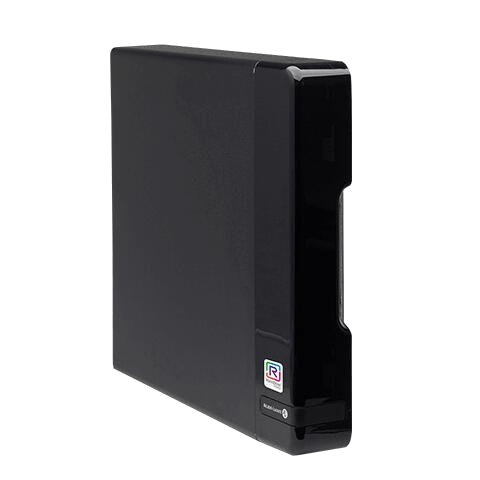
ALCATEL-LUCENT OXO CONNECT
BUSINESS COMMUNICATIONS • MELBOURNE
Alcatel-Lucent OXO Connect for Melbourne Small & Medium Businesses
A scalable business communication platform designed for teams that need professional call handling, mobility options, and dependable performance.
- Local installation & support
- Clear recommendations and setup
- Training included

Product Overview
Alcatel-Lucent OXO Connect is a modern business communication system designed to support growing teams with reliable voice services and flexible expansion options. It is ideal for offices, medical clinics, warehouses, retail stores, and hospitality venues.
Where it fits
- Reception and customer-facing call handling
- Office teams and professional services
- Warehouses and multi-area sites
- Retail and hospitality operations

See Discover OXO Connect Evolution
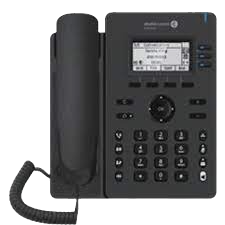
Entry-Level Desk Phones
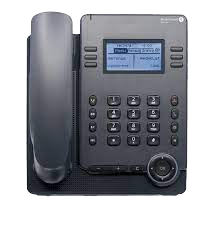
Alcatel ALE 2

Features
• SIP connectivity
• 2.8” backlit screen B/W (132x64px)
• 3 SIP lines
• 3 contextual keys
• 4 menu keys
• Wideband audio
• 4-way navigation
• 9 function keys: Handsfree, mute, message, headset, hold, transfer, conference, redial, and hang up
• 2 x Gig Ethernet port 10/100/1000
• RJ-9 Headset Connector
• PoE 1W/2W (Idle/Active) PoE Class-1
Alcatel ALE 3

Features
• SIP connectivity
• 2.8” backlit Colour Screen (320x240px)
• 3 SIP lines
• 4 contextual keys
• 4 menu keys
• Wideband audio
• 4-way navigation
• 9 function keys: Handsfree, mute, message, headset, hold, transfer, conference, redial and hang up
• 2 x Gig Ethernet port 10/100/1000
• USB-A Headset Connector
• PoE 1.1W/3.8W (Idle/Active) PoE Class-2
Alcatel ALE 20

Features
• SIP connectivity
• 2.8” backlit screen B/W (128x64px)
• 3 SIP lines
• 2 x 3 contextual keys
• 4 menu keys
• Wideband audio
• 8 Function Keys: Line hook, dial-pad, mute with LED, volume +/- keys, hands-free with LED, 2 personal keys with LED,
• Redial, info and message with LED
• 4-way navigation
• 2 x Gig Ethernet port 10/100/1000
• RJ-9 Headset Port / UBS-A / USB-C
• PoE 1.2W/1.6W (Idle/Active) PoE Class-1
Enterprise Desk Phones
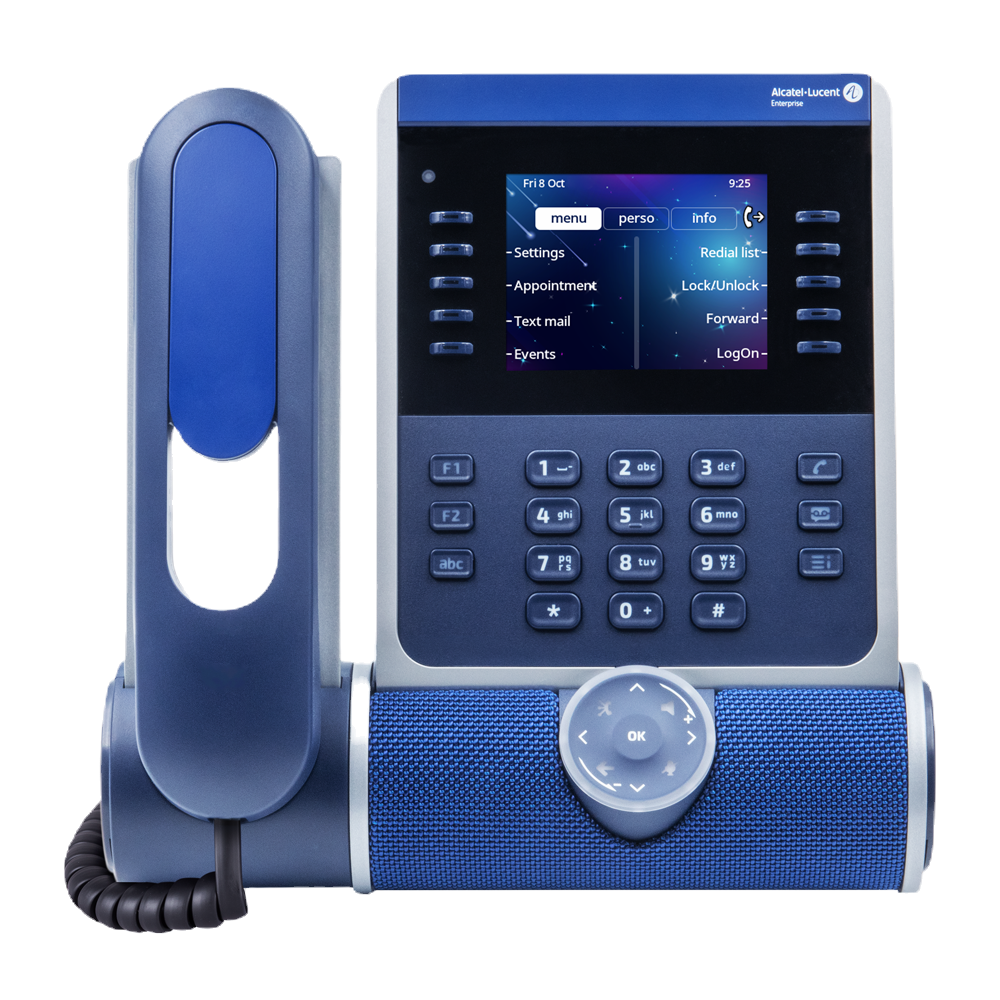
Alcatel ALE 300 IP

Features
• Large 3.5" Colour screen
• 2x5 Contextual keys with blue LED
• Optional alphabetical keyboard
• Optional 2x12 key colour display module
• HD audio using super wideband audio from speakerphone and headset
• Cylindric sound bar with changeable colour
• 3D audio broadcasting
• Pair with computer and smartphone by USB or Bluetooth
• Optional WLAN 5 and Bluetooth module with Bluetooth 5.0 for wireless headset
• 2xUSB-C ports for wired headsets and accessories
• VPN for secure work from anywhere
• Gigabit Ethernet PC port
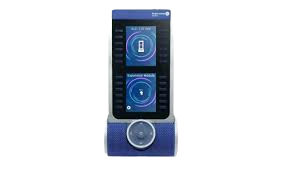
Alcatel ALE 120 MODULE 24 KEY ADD ON

Features
• Monitor all your customer service lines at a glance with this module
• 24-programmable keys with LEDs.
• The color LCD screens are very easy to read
• Programming the keys is done electronically for easy maintenance
• The module is connected and powered by the phone’s USB-C port
• Connect up to 3 Panels to a handset for instant visibility of 72 extensions at a glance
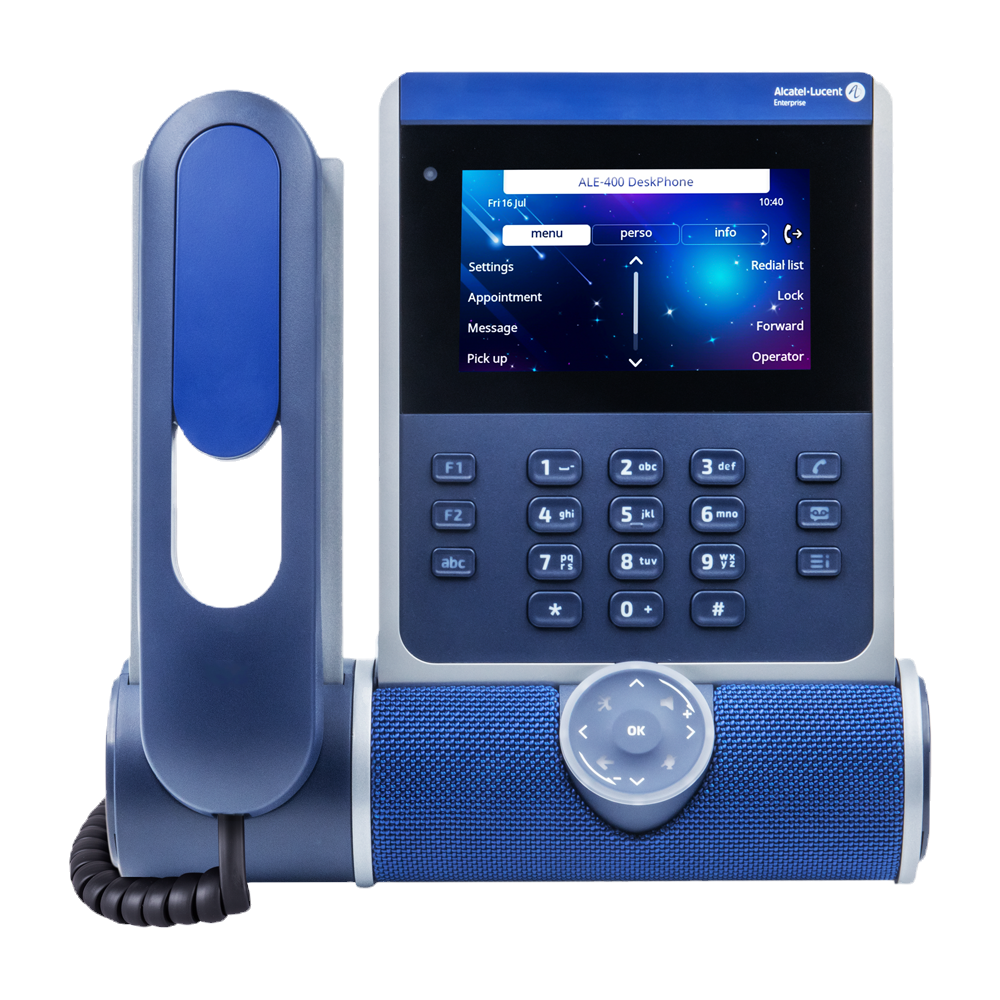
Alcatel ALE 400 IP

Features
• Large 4.3" Colour screen
• 2x5 Contextual keys with blue LED
• Optional alphabetical keyboard
• Optional 2x12 key colour display module
• Optional cordless handset
• HD audio using super wideband audio from speakerphone and headset
• Cylindric sound bar with changeable colour
• 3D audio broadcasting
• Sound capture by 3 microphones
• Pair with computer and smartphone by USB or Bluetooth
• Optional WLAN 5 and Bluetooth module with Bluetooth 5.0 for wireless headset
• 2 x USB-C ports for headset & accessories
• VPN for secure work from anywhere
• Gigabit Ethernet PC port
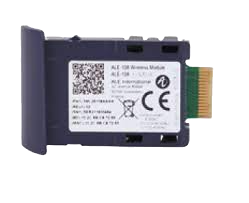
Alcatel ALE 108 MODULE BLUETOOTH/WLAN

Features
• Communicate wherever you want: The phone is connected in WLAN 5 to your company network, or to your internet box
• Pair with a Bluetooth headset to communicate without a cumbersome cord
• Insert the module in a dedicated side panel
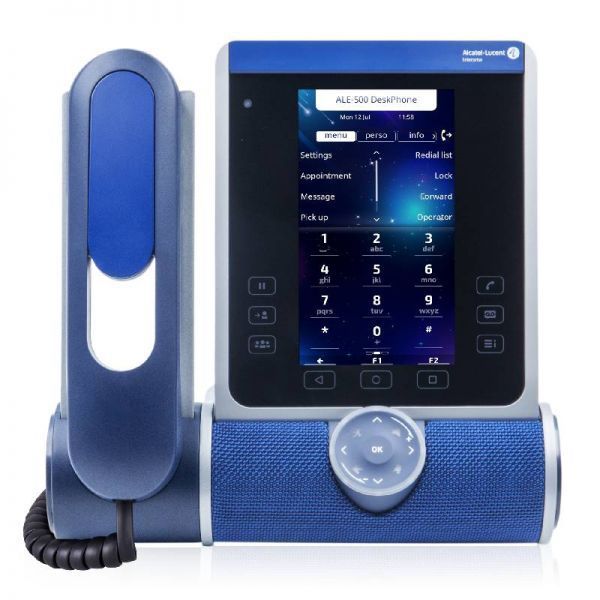
Alcatel ALE 500 IP

Features
• Large 5.5" TOUCH Colour screen
• 2x5 Contextual keys & 5 programmable keys
• Display of 2.6 additional touch buttons
• Intuitive touch smart pad
• Alphabetical keyboard
• Optional 2x12 key colour display module
• Optional cordless handset
• HD audio using super wideband audio from speakerphone and headset
• Cylindric soundbar with changeable colour
• 3D audio broadcasting
• Sound capture by 3 microphones
• Pair with computer & smartphone by USB or Bluetooth
• Optional WLAN 5 and Bluetooth module with Bluetooth 5.0 for wireless headset
• 2 x USB-C ports for headset & accessories
• VPN for secure work from anywhere
• Gigabit Ethernet PC port
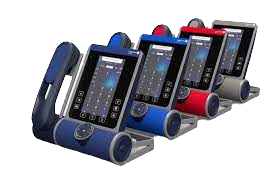
Alcatel ALE 140 CUSTOISATION KIT

Features
• Available in 4 colours
o Azure “Bright Blue”
o Ruby “Red”
o Factory “Grey”
o Neptune “Deep Blue”
• Match your handset to your environment
• Easily replaceable by end-user
• Gigabit Ethernet PC port
Key Features & Benefits
A professional capability set designed for dependable day-to-day business communications.
Professional call handling
Voicemail and auto-attendants to present a professional customer experience.
Scalable growth
Add users and capabilities as your team expands.
Modern connectivity
Flexible connectivity suitable for modern business networks.
Business-grade reliability
Designed for consistent performance in busy environments.
Multi-site ready
A strong fit for businesses operating across more than one location.
Local support
Installation, setup, and ongoing support available locally in Melbourne.
Why Choose Us
Local Melbourne service focused on smooth rollout, training, and dependable support.
- Melbourne-based installation and support
- End-to-end setup and staff training
- Clear recommendations and upfront pricing
- Ongoing support for changes and troubleshooting
Service areas
Dandenong • Dandenong South • Clayton • Oakleigh • Moorabbin • Springvale • Keysborough • Mulgrave • Hallam • Noble Park • Braeside • Pakenham • Rowville • Bayswater • Scoresby • Ringwood • Knoxfield • Wantirna • Lysterfield • Croydon • Kilsyth • Vermont • Blackburn • Port Melbourne • Bangholme • City of Melbourne • City of Port Phillip • City of Yarra • City of Banyule
Service Areas Across Melbourne
We supply, install and support Alcatel‑Lucent OXO Connect business phone systems across Melbourne’s south‑east, east, inner suburbs and surrounding business districts.
Dandenong • Dandenong South • Clayton • Oakleigh • Moorabbin • Springvale • Keysborough • Mulgrave • Hallam • Noble Park • Braeside • Bangholme • Pakenham • Rowville • Bayswater • Scoresby • Ringwood • Knoxfield • Wantirna • Lysterfield • Croydon • Kilsyth • Vermont • Blackburn • Port Melbourne • City of Melbourne • City of Port Phillip • City of Yarra • City of Banyule
FAQ
Is OXO Connect suitable for small businesses?
Yes — it is designed to support SMB environments and can scale as your business grows.
Can you install and configure the full system?
Yes — installation, configuration, testing, and training are included.
How long does installation take?
Most SMB installations are completed within one to two days depending on site size.
Do you provide ongoing support?
Yes — ongoing local support is available for adjustments and expansion.
Ready to upgrade your business communications?
Contact us today for a tailored OXO Connect solution for your Melbourne business.
Please call 1300 643 720 or email us at enquiries@action-priority.com.au to discuss our Alcatel cloud-based solutions.
WHY CHOOSE ACTION-PRIORITY FOR TELEPHONE SYSTEMS?
WHAT MAKES YOUR TELECOMMUNICATION SOLUTIONS DIFFERENT?
We provide tailored solutions for Avaya Cloud Office, Avaya IP Office, and Alcatel-Lucent Oxo Connect, combining expert consultation, professional installation, and ongoing support.
CAN I INTEGRATE CLOUD AND ON-PREMISE SYSTEMS?
Yes. We integrate cloud telephony, on-premise PBX, mobile apps, and contact centre solutions into a single seamless communication ecosystem.
DO YOU PROVIDE ONGOING SUPPORT?
Absolutely. We offer maintenance, training, upgrades, and rapid local support across Melbourne and Victoria.
ARE YOUR SOLUTIONS SUITABLE FOR SMALL AND LARGE BUSINESSES?
Yes. Our systems are scalable and flexible, serving small offices, multi-site enterprises, and large-scale call centres.
Boost productivity and stay connected with Action-Priority’s advanced telephone systems.
CONTACT US TODAY for a free assessment of your current telecoms setup, expert recommendations, and a customised solution that fits your business needs.
Get your telephone system installed by experts – call 1300 643 720.